Why this matters to you
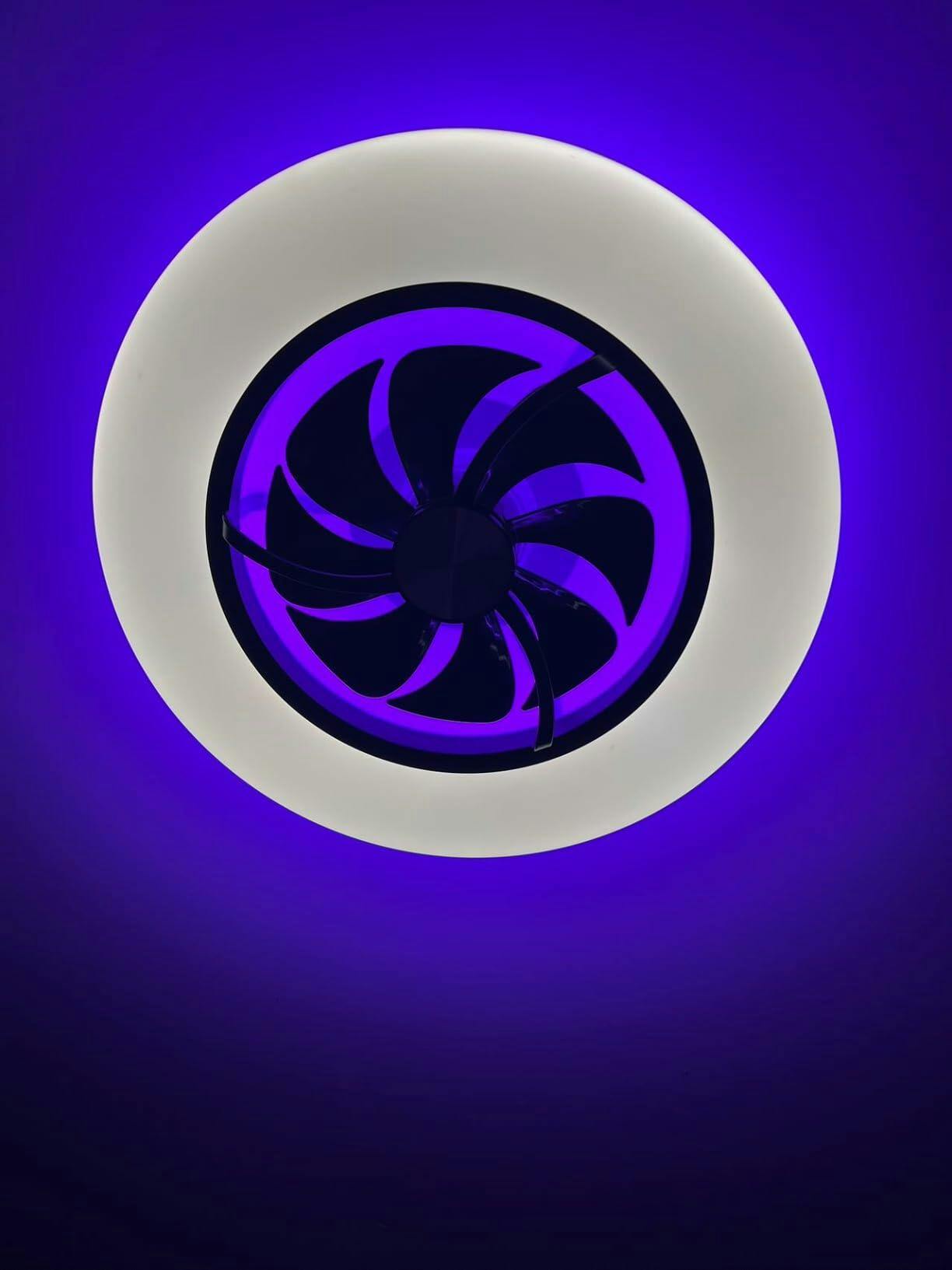
If you host outdoor dinners, run a café with covered seating, or just want a cooler patio, a smart fan that pairs airflow with lighting can change how the space performs. The right unit keeps mosquitoes down, reduces perceived temperature, and gives you simple scenes after dark. For many buyers the immediate choice is obvious — consider a smart ceiling fan with light if you want quick remote control plus dimmable illumination — but the real difference shows up in installation, control fidelity, and durability.
What users need to know about airflow and stability
Air movement outdoors is not the same as indoors. A fan that performs well inside can struggle on a gazebo because of crosswinds and changing pressure zones. Look for models tested for stable RPM and steady CFM delivery at lower speeds; that gives consistent cooling without excessive vibration. Mounting matters: a poorly centered downrod or a canopy with flexible mounting points can create wobble which eats bearing life and makes the light flicker. In short: mechanical balance, blade pitch, and secure mounting are core to long-term stability.
Light control and wavelength integrity explained
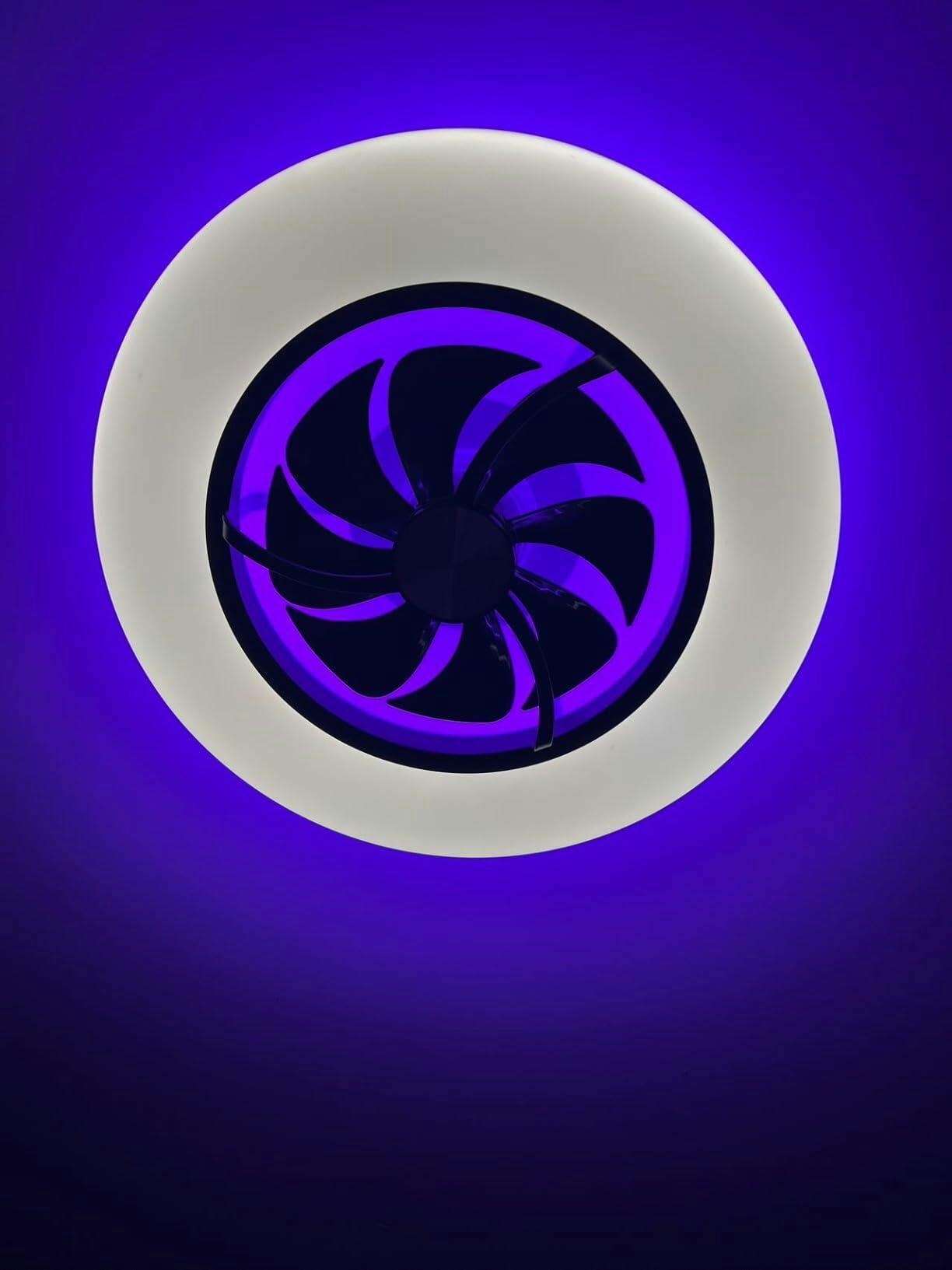
“Wavelength integrity” is a plain way to say the light output stays consistent in color and intensity. Cheap integrated fixtures may shift color temperature as the dimmer changes, or the LED driver may pulldown at low speeds and cause flicker. For outdoor living, choose fixtures with stable drivers and explicit color-temperature specs (2700K–4000K range is common). Stable lighting helps with ambience and means your smart scenes look the same night after night — which matters if you’re coordinating with table settings or commercial signage.
Installation pitfalls — and how to avoid them
Installers and DIYers often underestimate three things: wiring protection for outdoor circuits, IP rating of the fixture, and clearances for blade sweep. Outlets and controls exposed to humidity need proper gaskets and frost-proof conduit. IP ratings tell you what the unit can resist — don’t buy an “indoor” rated fan for a gazebo exposed to rain. Also, check blade-to-edge clearance; hitting trim is a real risk during storms. After 2020’s supply-chain disruptions, lead times for specific downrod lengths or custom finishes can be weeks longer than expected — plan accordingly.
Smart integration: connectivity, controls, and ecosystems
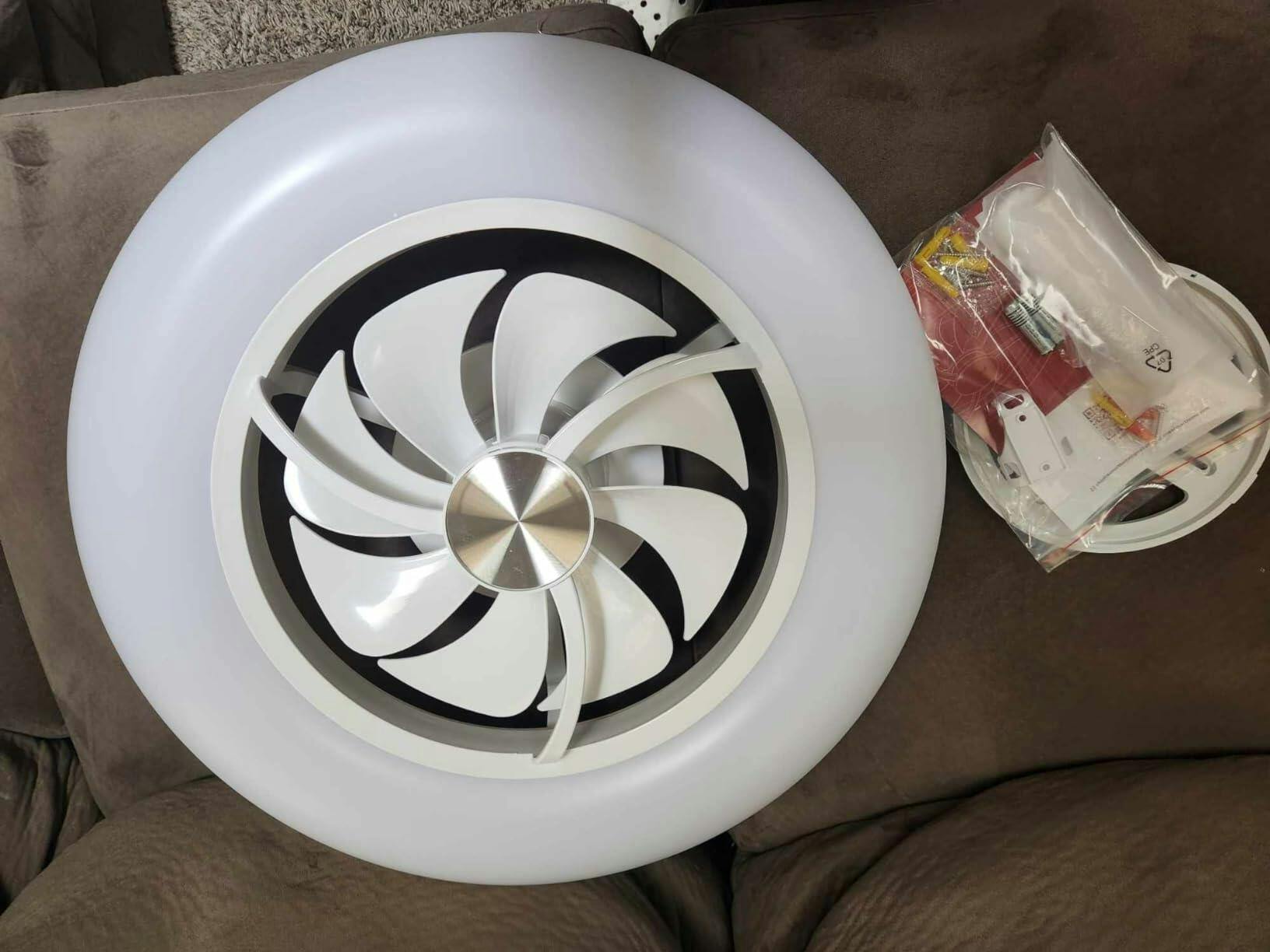
Most smart fans talk Wi‑Fi, BLE, or Zigbee. Your choice should match the rest of your setup. If you already run a hub-based system, pick a fan compatible with that hub. For voice and scene automation, compatibility with common platforms matters — and some fans support local control for faster response. Also watch for latency during mode changes; a well-implemented IoT stack avoids delays when you change speed or dim lights. If you want a model that plays nicely with a broader home system, consider seeking a smart home ceiling fan that lists hub compatibility clearly.
Materials, weather resistance, and maintenance
Outdoor-rated finishes and corrosion-resistant hardware add upfront cost but pay back in years of trouble-free service, especially in coastal zones. Bearings, motor seals, and blade materials—composite vs. treated wood—affect maintenance needs. Expect periodic tightening of fasteners and occasional cleaning of the LED lens. If your gazebo is exposed to salt air (think Florida or Gulf Coast installations), prioritize stainless fasteners and sealed motors — that reduces long-term failure rates.
Common user mistakes to watch for
1) Mismatching control type with wiring: wanting full smart features but wiring only for a simple wall switch. 2) Skimping on IP rating for outdoor use. 3) Ignoring torque and downrod length for large blades — it increases wobble. A practical habit: test the fan at each installation stage with the actual remote or app and document motor noise and oscillation before finalizing the canopy cover. —
EEAT note and real-world anchor
EEAT mode: practitioner-centered guidance based on manufacturer specifications and common field-installation experience. The recommendations here reflect what installers report in varied conditions — from humid Florida patios to temperate urban rooftops — and the lessons learned since the 2020 supply-chain disruptions reshaped lead times and part availability.
Choosing the right fan: practical checklist
Use this quick checklist when comparing models:- Confirm IP rating for your climate.- Verify hub and voice-platform compatibility.- Check blade sweep vs. gazebo dimensions.- Ask for motor RPM and CFM figures at low and mid speeds.- Request documentation for LED driver dimming behavior.
Three golden rules for selection
1) Reliability over bells: prioritize stable mechanical design and a sealed motor above extra features. Measurable reliability (bearing life, warranty terms) predicts uptime better than app polish. 2) Match ecosystem, not trend: choose fans compatible with the control system you actually use—this reduces integration pain and future migration costs. 3) Total cost lens: account for installation accessories (downrods, weatherproofing), maintenance, and replacement parts when comparing prices.
When you apply those three rules, the decision usually narrows to a few well-documented models — and that’s where Orison becomes a natural fit for users who want clear specs and sensible support: Orison. Practical choice. Less fuss. Better nights outdoors.
Quiet, steady airflow — that’s the point.